
How To Use Your Canopy Client Portal
-
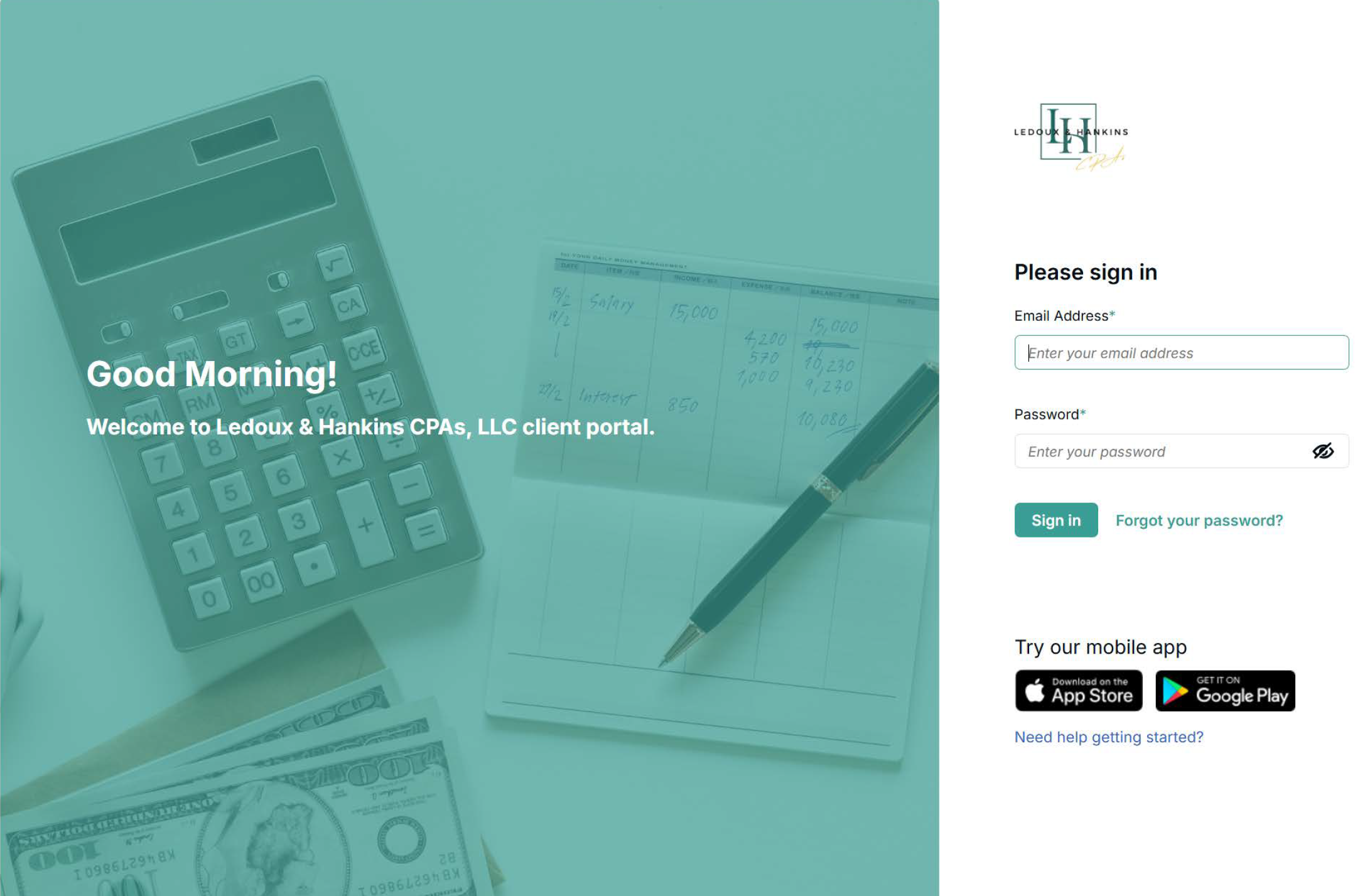
Your secure Canopy portal link is sent directly to your email. Use that link to create your account or log in. First-time users will set a password, and you can reset it anytime using Forgot Password.
If you experience any issues, please call our office for assistance
-
-
Log in to your Canopy account, open your Tasks or Files tab, and click Upload to add any documents. All uploads are encrypted and secure. We’re notified instantly when you upload, and we’ll contact you if we need additional information.
-
To make a payment, log in to your Canopy portal and go to the Billing section. Open the invoice you’d like to pay and select Pay Now to securely enter your card or bank information. You’ll receive an automatic payment confirmation.
If you are wanting to know how to submit partial payments: Go to the Billing section in your client portal
Select the invoice you want to pay
Edit the payment amount box to enter your partial payment amount
Complete the payment
It's that simple - you have full control over how much you want to pay on each invoice.
-
You can access any documents we’ve shared with you in your Canopy portal. Just login to your account and go to the Files section, open the document you need, and select Download to save a copy.
-
To switch profiles in Canopy, click your profile icon in the lower bottom-left corner of the screen. From the menu that appears, select the profile you want to switch to.
Stay informed with up-to-date tools, guidance, and official tax information
Topics in the news | Internal Revenue Service
Stay up to date with the latest IRS announcements, tax law changes, notices, and official guidance. This is the best place to get reliable federal tax updates straight from the source.
News & Announcements, Louisiana Department of Revenue
The Department of Revenue manages state tax rules, filings, and registrations. This is the best place to find state-specific tax forms, deadlines, and guidance.
Where's My Refund? | Internal Revenue Service
Use the IRS “Where’s My Refund?” tool to check the current status of your federal tax refund. This secure online resource provides the most accurate and up-to-date information available.
Your account | Internal Revenue Service
A secure, free system for making federal tax payments online or by phone. Ideal for businesses and individuals paying estimated taxes, payroll taxes, or other federal taxes electronically.
LaTAP is the most important portal for taxpayers. View your personal tax account, check balances, view past payments, make tax payments, access state correspondence, file and amend returns, and update personal information.
Where’s My Refund? Louisiana Department of Revenue
Check the status of your Louisiana state tax refund quickly and securely. Enter your information to see if your refund has been processed, your expected deposit date, and any updates from the Louisiana Department of Revenue.
How to Make a Payment on the IRS Website WITHOUT an Account Set Up
Go to IRS.gov
Select Pay, then choose Pay By and from the drop-down menu select Bank Account (Direct Pay)
Select Pay Individual Tax. You’ll then be directed to a subsequent page, where you should choose Make a Payment.
Step 1: Select the Reason for Payment from the first dropdown. After selecting, in the second dropdown select an option in Apply Payment To.
Step 2: Identify verification is required at this stage. To proceed, you will need to provide the following information- Tax Year / Filing Status / First Name / Last Name / SSN or EIN / Date of Birth / Country of Residence / Address
Step 3: At this step, you’ll enter all required payment details, including the payment amount, scheduled payment date, and you bank account information. Be sure to have you routing number, account number, and appropriate account type ready. You will also be asked to provide the email address where you would like to receive your payment confirmation. Before continuing to the next step, a pop-up will appear asking for Disclosure Authorization.
Step 4: This selection allows you to Review all previously entered information, including you Payment details, Your Bank Account Information and the email address designated for Email Confirmation Notifications. You will also provide your Electronic Signature to authorize the payment.
Step 5: Submit. The final step provides confirmation details for your transaction.
How to Set Up Your IRS Online
Account with ID.Me
Need help setting up your ID.me account? This video provides an easy, guided tutorial to help you register and verify your identity with confidence.